Device not detected
A computer, phone or external drive is no longer recognised or appears inconsistently.
Pause first. Protect the next step.
When important data disappears, repeated attempts can make the situation worse. Stop using the affected device and describe what happened before taking further action.
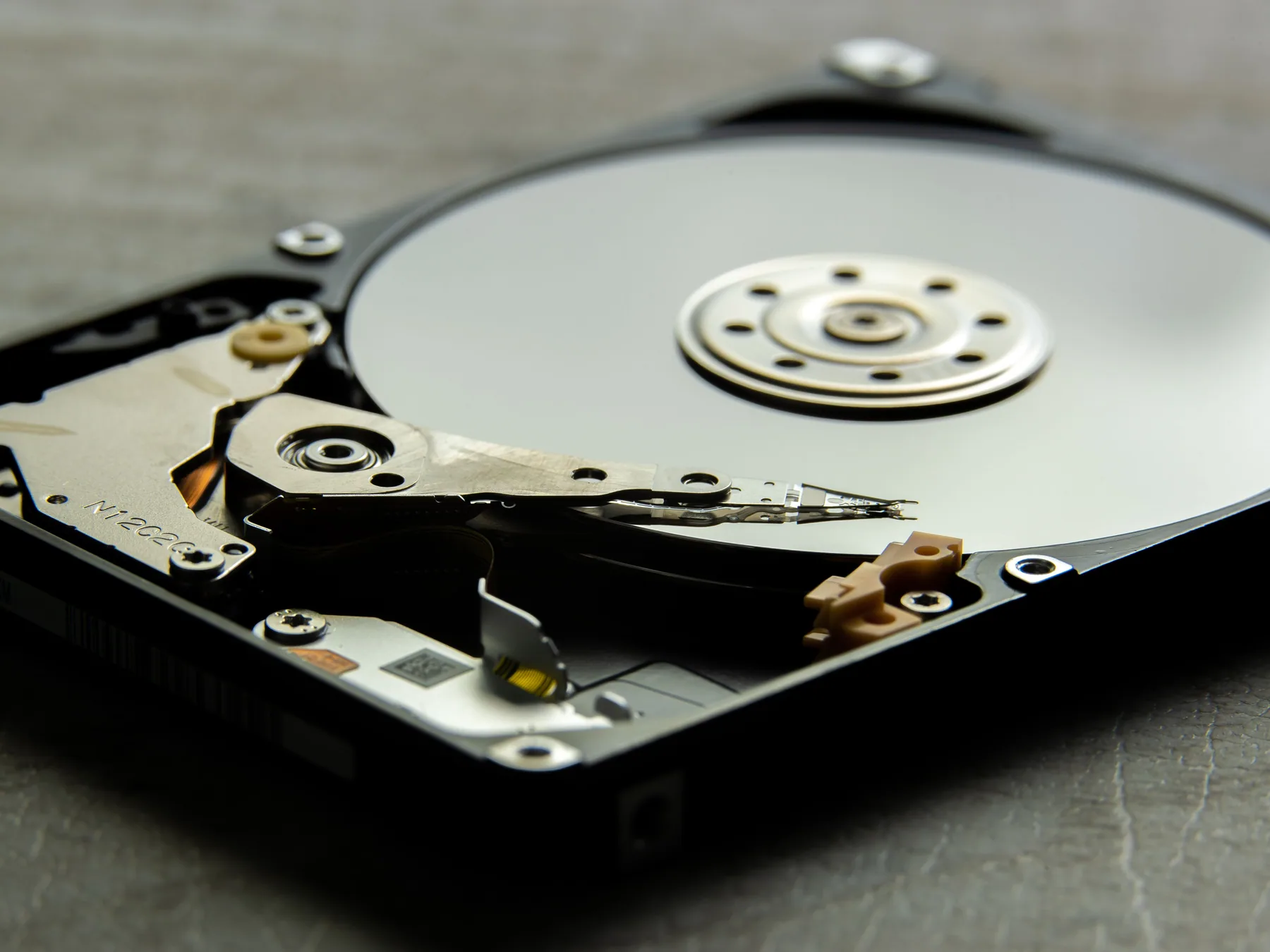
What we can assess
These are common starting points, not a complete list. The make, model, history and condition of the device determine the practical options.
A computer, phone or external drive is no longer recognised or appears inconsistently.
Files or folders were removed, formatted or became inaccessible unexpectedly.
The main device no longer starts and important information remains on its storage.
Unusual drive noises, impact damage, liquid exposure or visible connector damage.
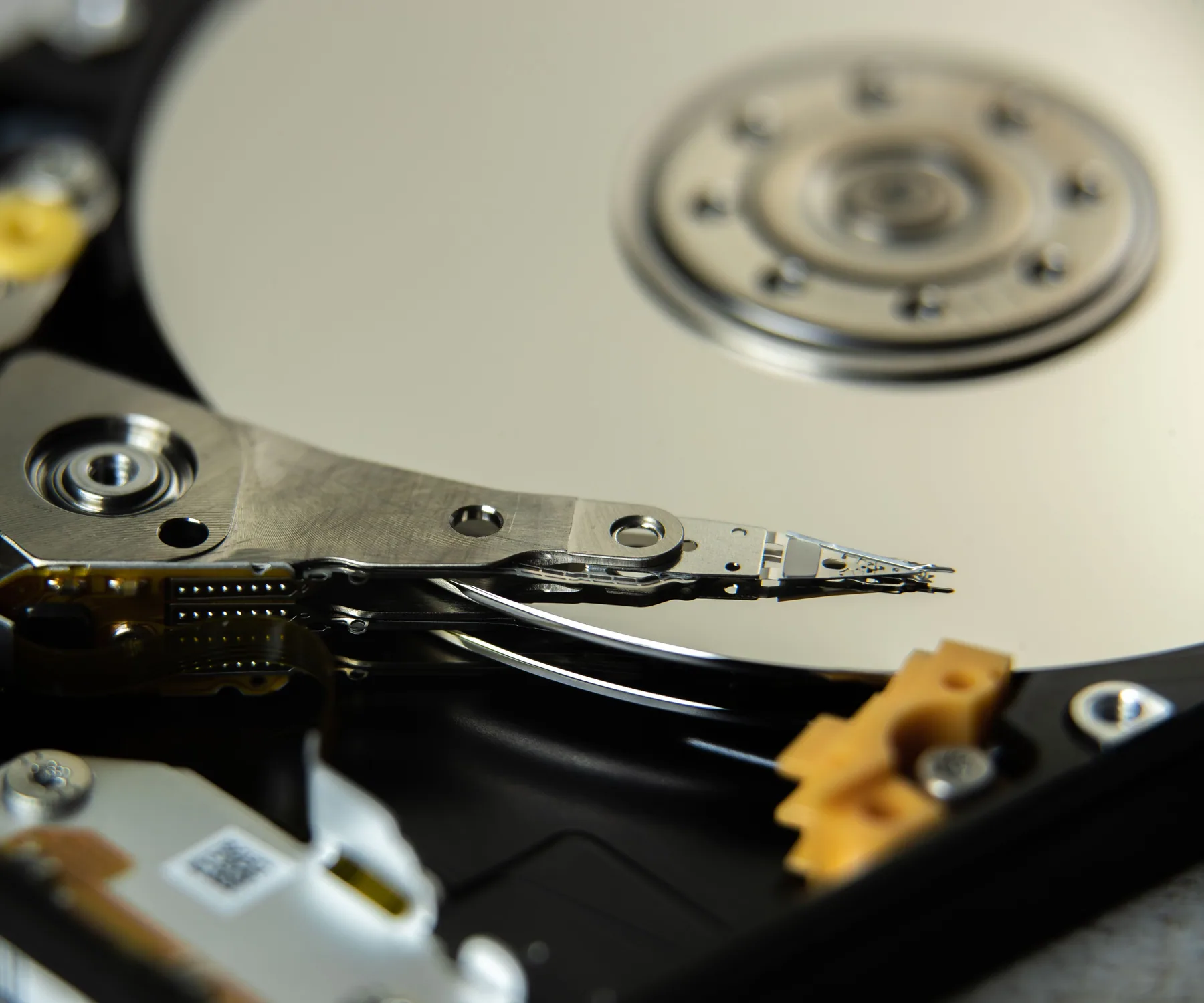 01 / Device not detected02 / Deleted or missing files03 / Startup failure
Assessment scope
Before you email
Still unsure? Send the details you have. A clear initial enquiry is enough to begin.
No. The result depends on the cause and physical condition of the storage. An assessment is needed before realistic options can be explained.
Stop using it, do not open the sealed drive assembly, and email a brief timeline of the failure and the types of files that matter most.
Information is accessed only as needed to assess or perform the agreed work. You should still disclose any special confidentiality requirements before service begins.
Related pathways
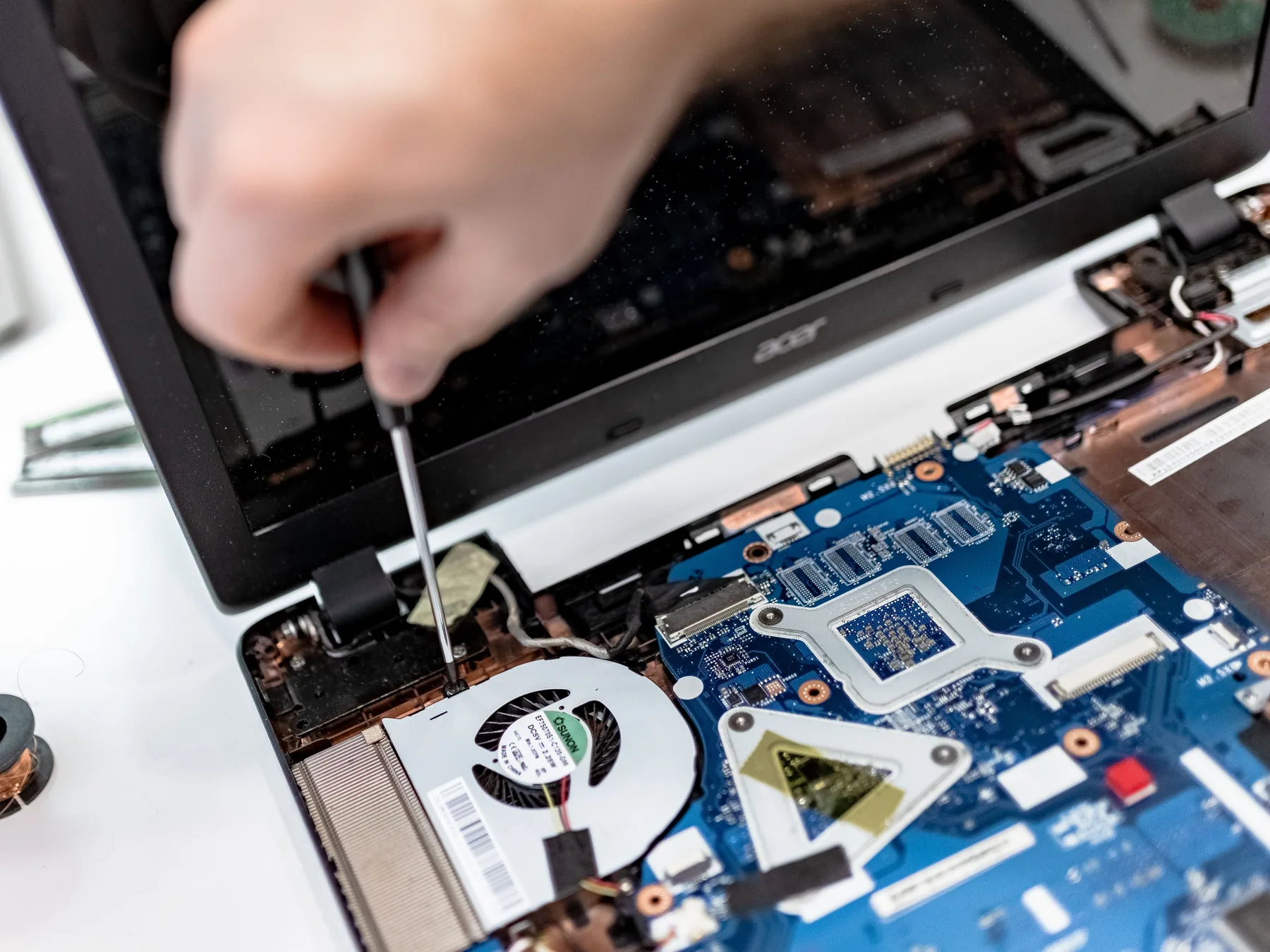 Clear diagnosis, practical options
Help with startup faults, overheating, storage, memory, screens, ports and general computer maintenance.
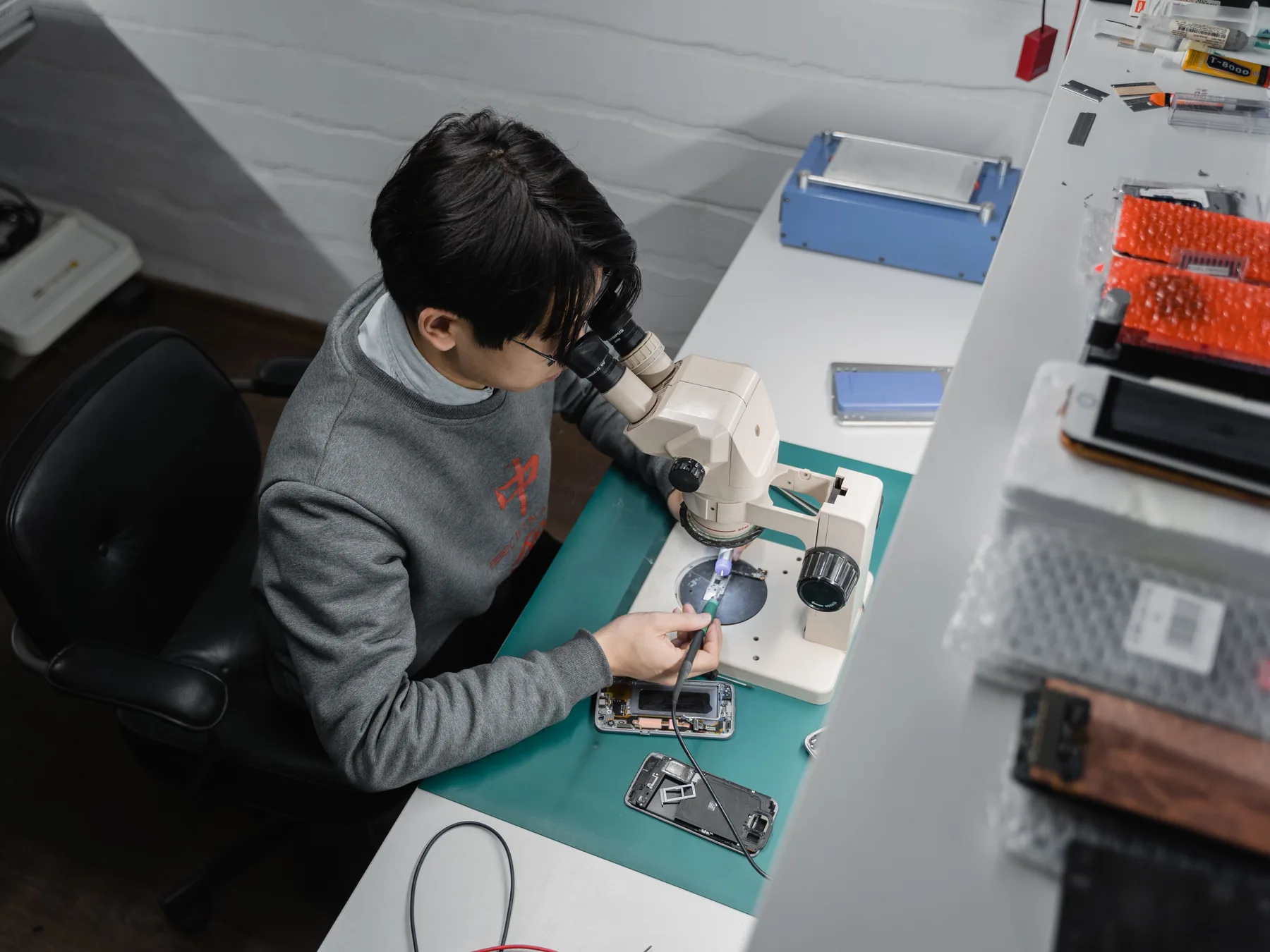 Pocket-sized, carefully handled
Assessment and repair for screens, batteries, charging, cameras, audio and liquid-related faults.
Start a repair enquiry
Include the make, model, fault and any useful photos. We will reply with the most practical next step.