Startup faults
No power, boot loops, error messages, blank displays or intermittent operation.
Clear diagnosis, practical options
From a laptop that will not charge to a desktop that has become unreliable, the first step is separating the visible symptom from the underlying cause.
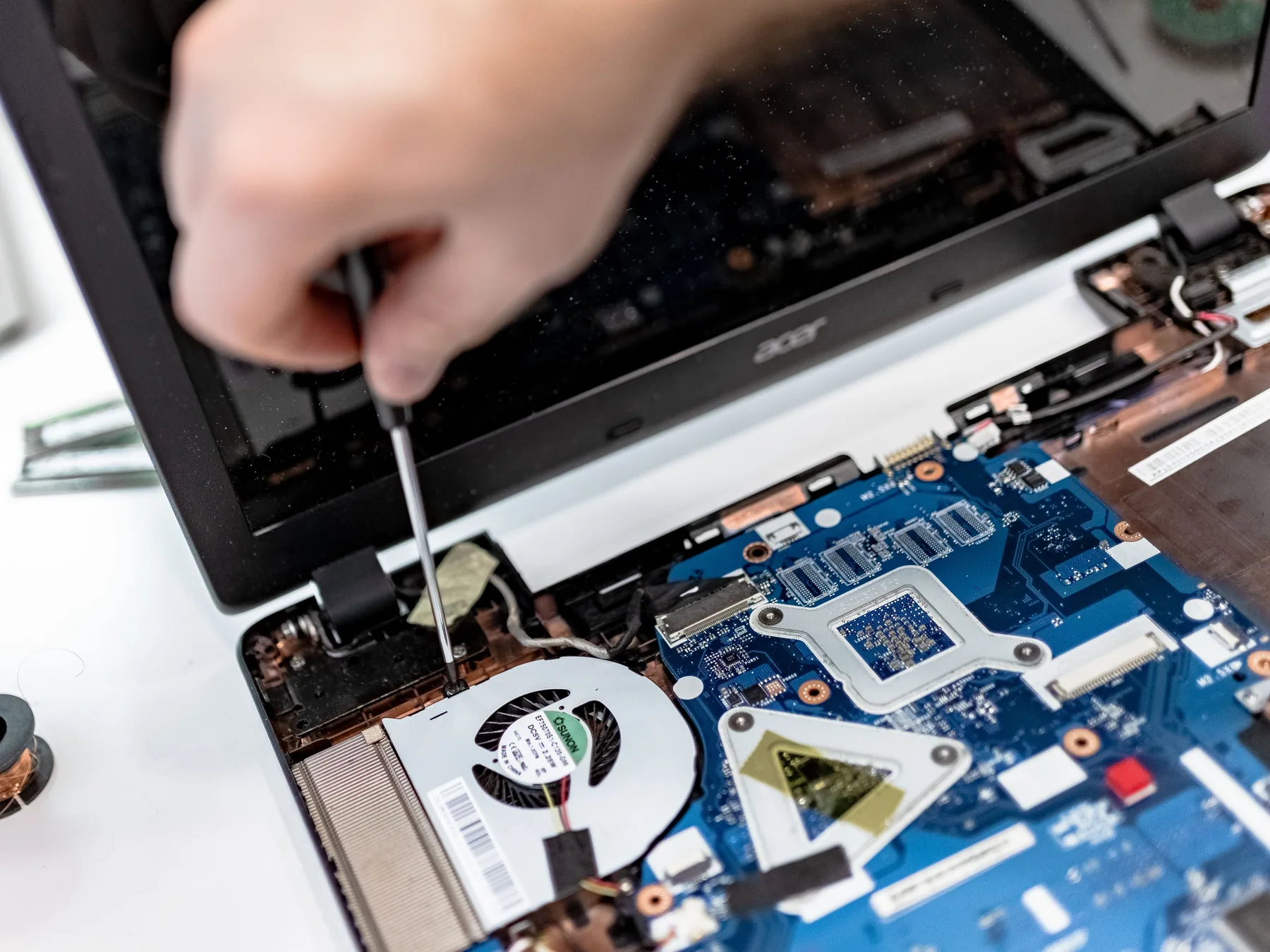
What we can assess
These are common starting points, not a complete list. The make, model, history and condition of the device determine the practical options.
No power, boot loops, error messages, blank displays or intermittent operation.
Overheating, unexpected shutdowns, loud fans and restricted cooling systems.
Slow operation, drive problems, low storage, memory limitations and upgrade enquiries.
Damaged screens, hinges, keyboards, power sockets, USB ports and external connections.
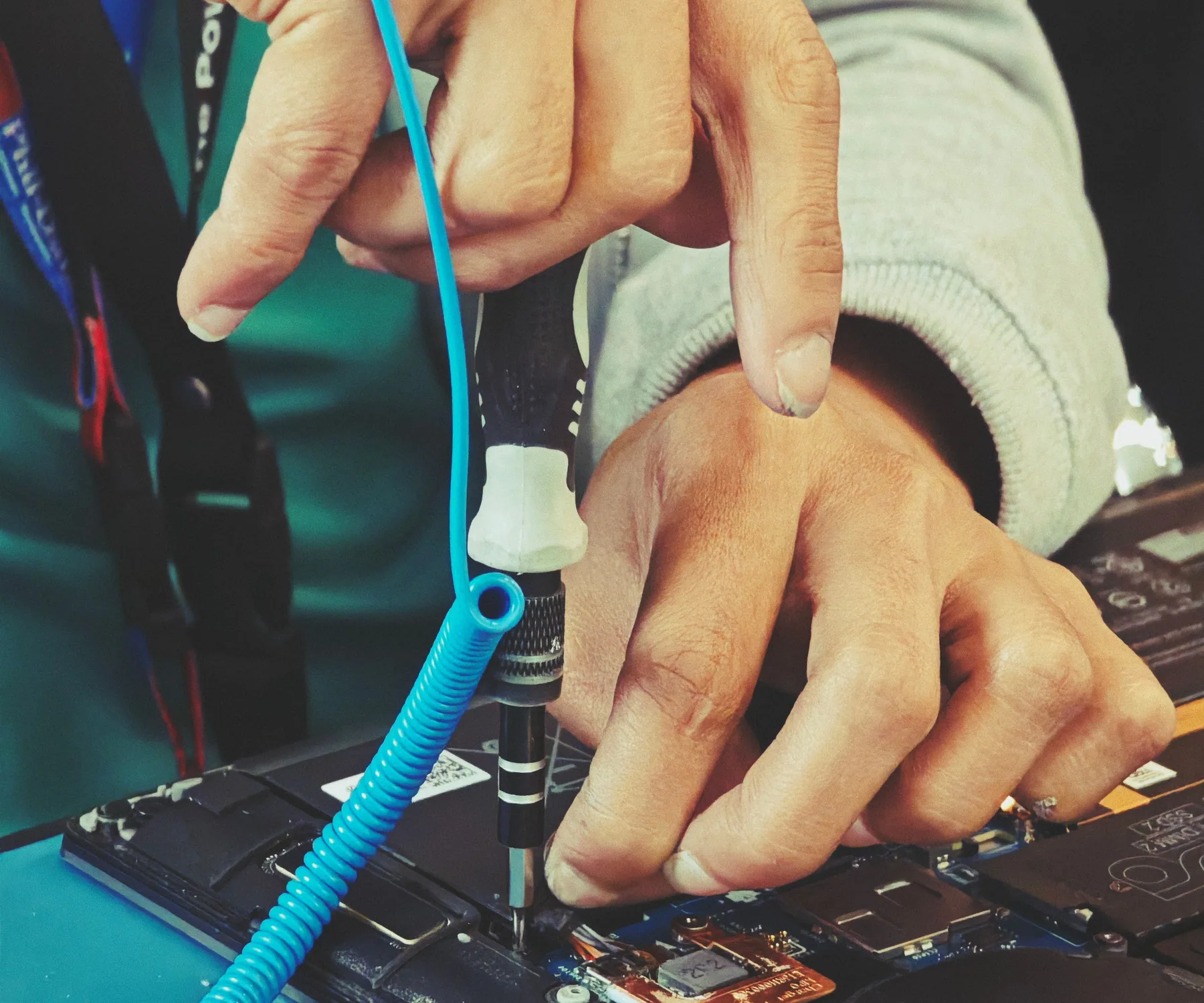 01 / Startup faults02 / Heat and noise03 / Storage and speed
Assessment scope
Before you email
Still unsure? Send the details you have. A clear initial enquiry is enough to begin.
Sometimes. Storage, memory and maintenance can make a meaningful difference, but we will also tell you when the cost is difficult to justify.
Enquiries for desktop and laptop computers are welcome. The available repair path depends on the model, fault and parts supply.
Possibly. A startup fault does not always mean the storage has failed. The computer and storage media need to be assessed before an outcome can be discussed.
Related pathways
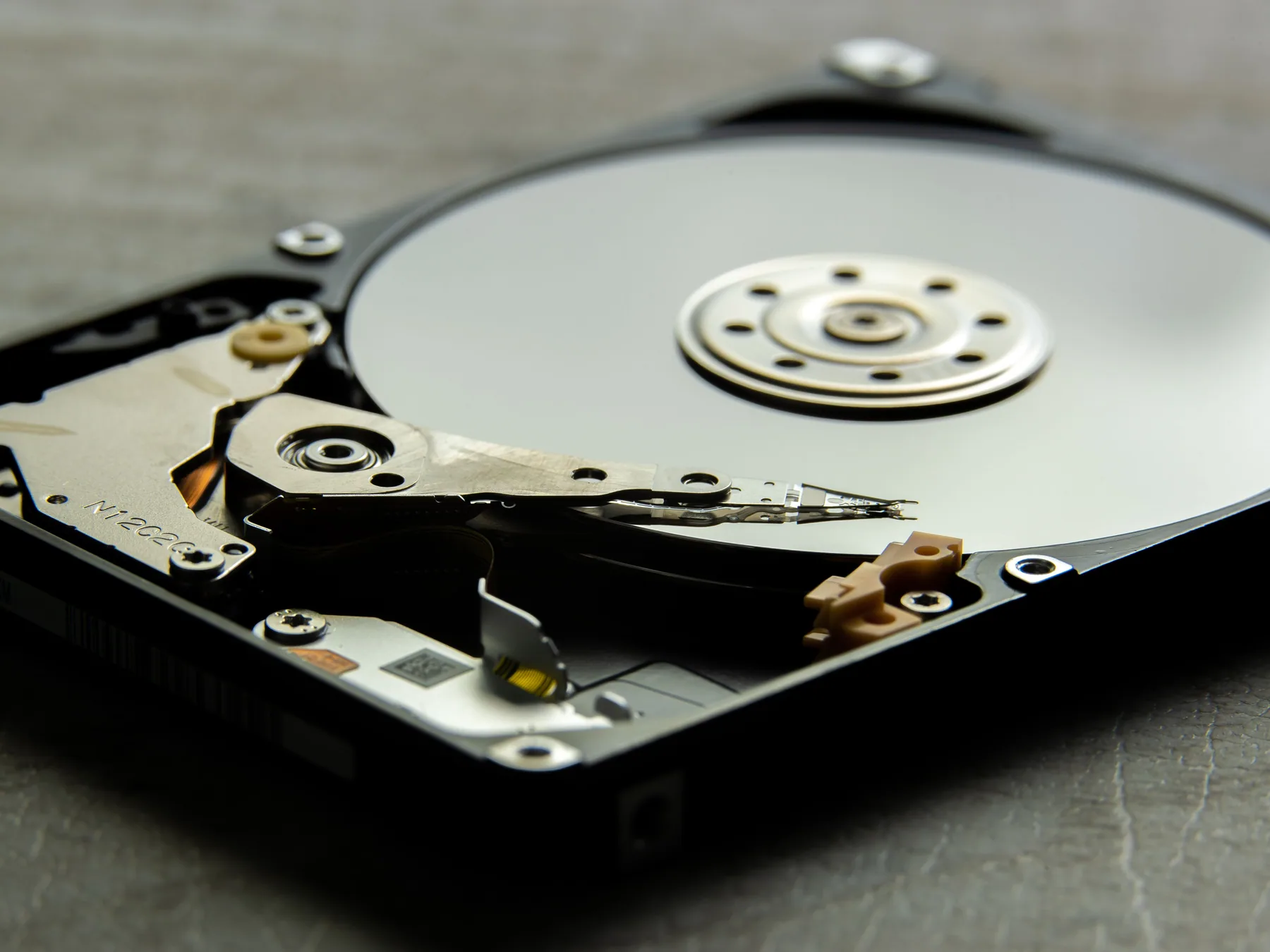 Pause first. Protect the next step.
Careful assessment of inaccessible data on computers, phones and removable storage, without unrealistic guarantees.
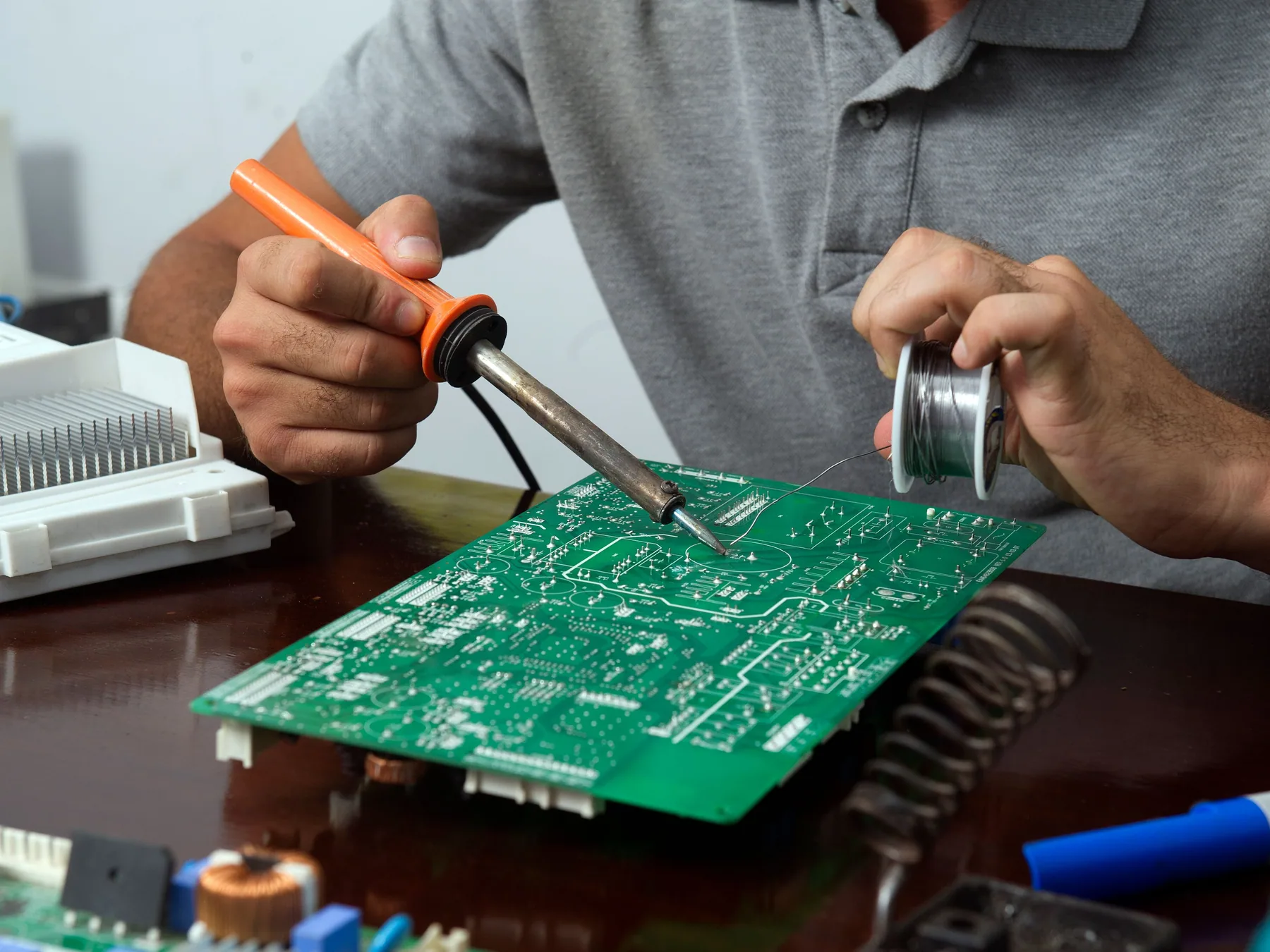 Precision beyond simple part swaps
Inspection of damaged connectors, solder joints and component-level faults where board work may be practical.
Start a repair enquiry
Include the make, model, fault and any useful photos. We will reply with the most practical next step.